Idea
Build a capable photo editing and productivity PC within a $2,000 budget while keeping the system visually aligned with a Bohemian home setup.
Custom PC Build
A custom workstation built for productivity and photo editing, pairing lasting performance with a clean white aesthetic.
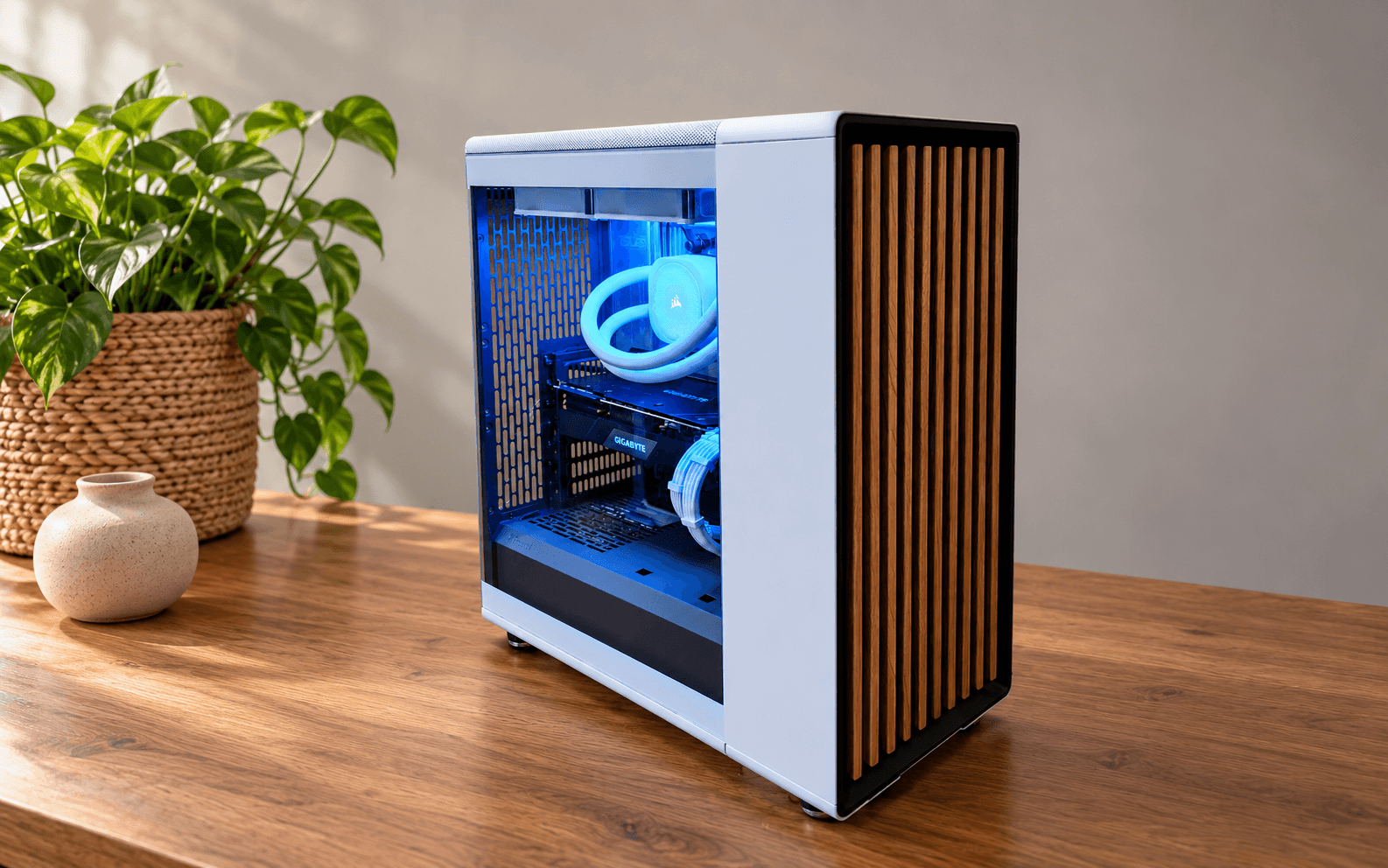
Build a capable photo editing and productivity PC within a $2,000 budget while keeping the system visually aligned with a Bohemian home setup.
Prioritized reliable creator-focused parts, reused a spare GPU to control cost, and chose a white Fractal North case to make the system feel intentional in the room.
This was a custom PC build I put together for my sister, Madeline, a Jacksonville/Fernandina-area photographer, designed for productivity and photo editing. It started as my brother-in-law's Christmas gift idea for her, and he funded the build with a target budget of around $2,000.
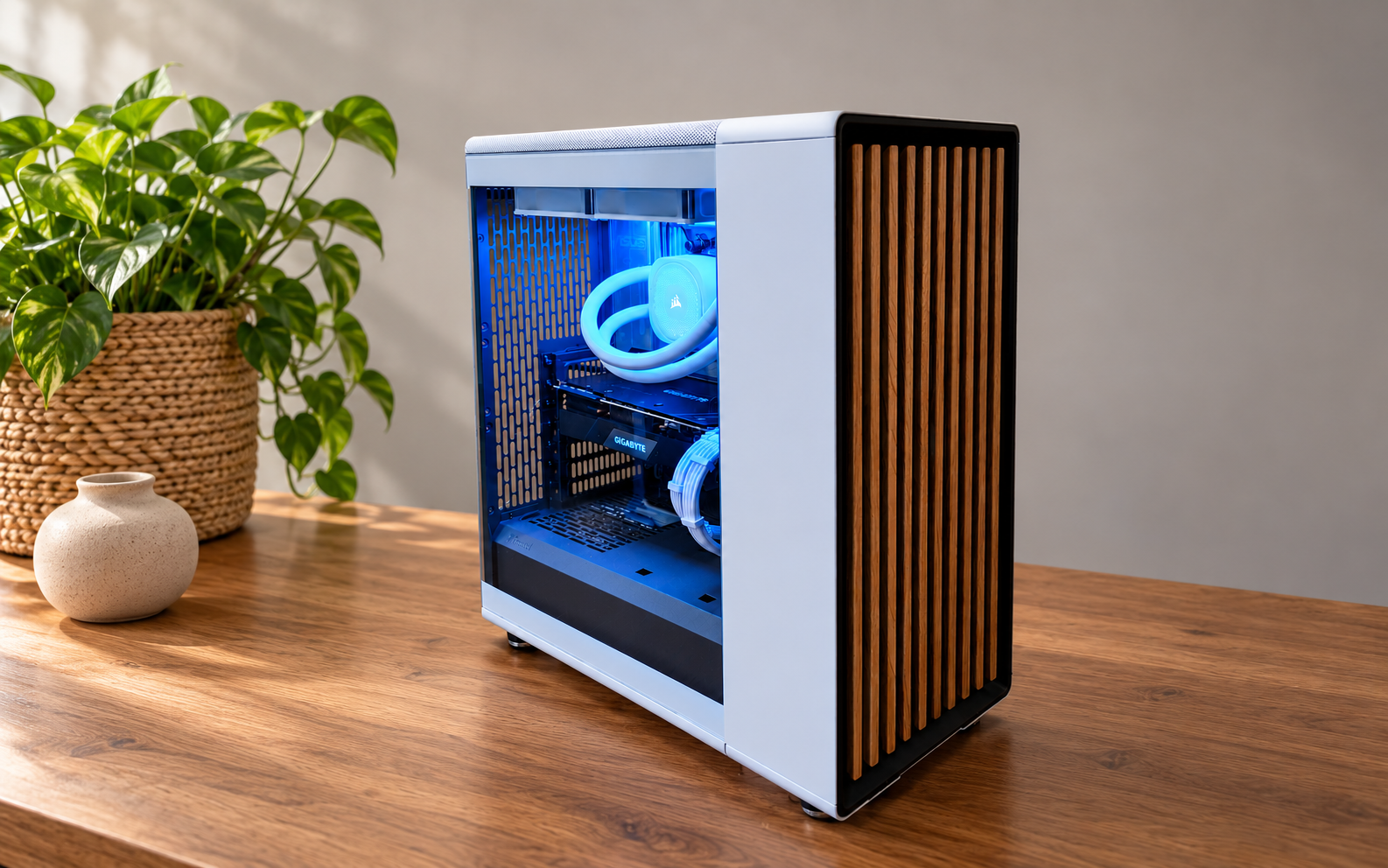
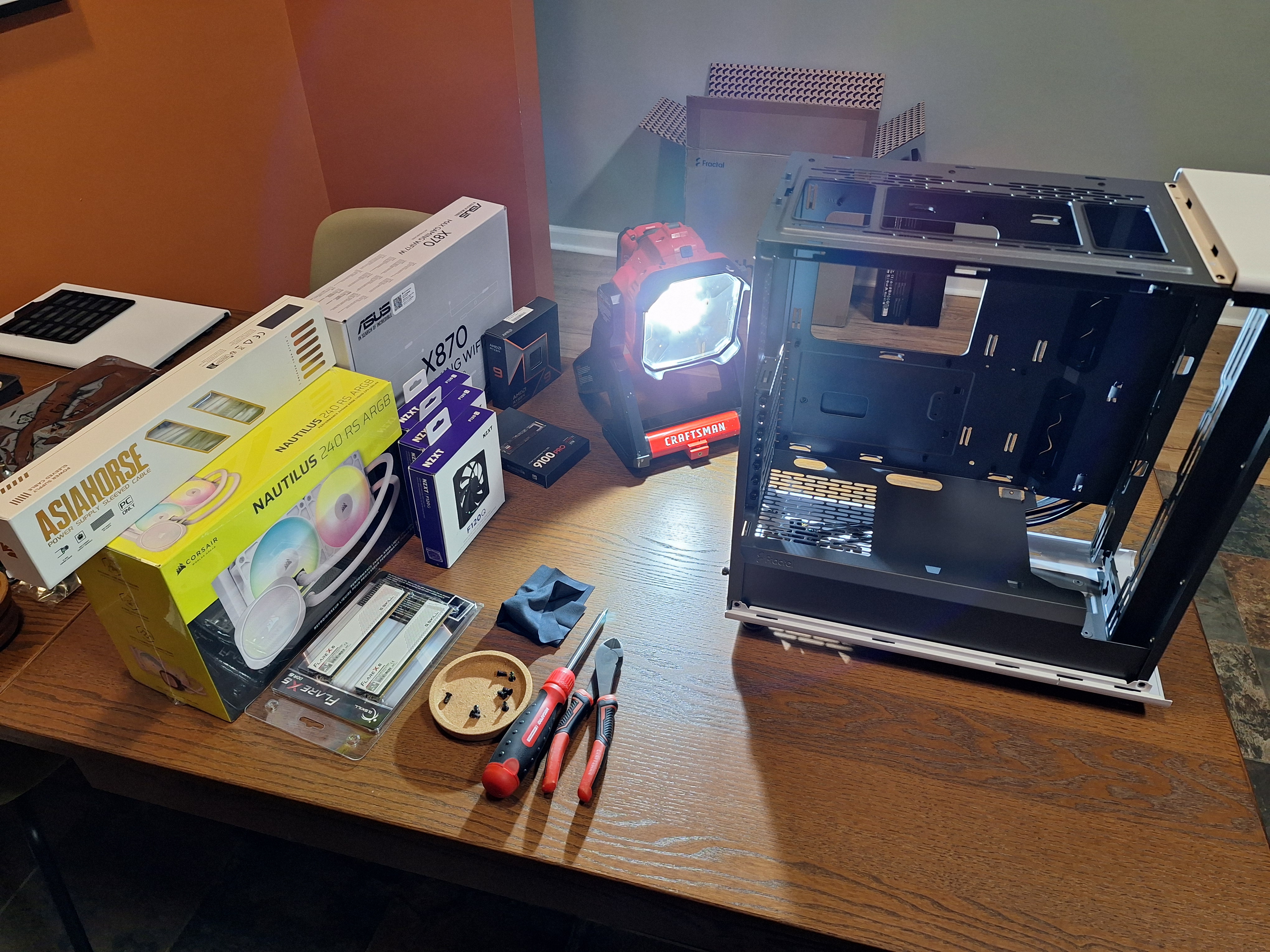
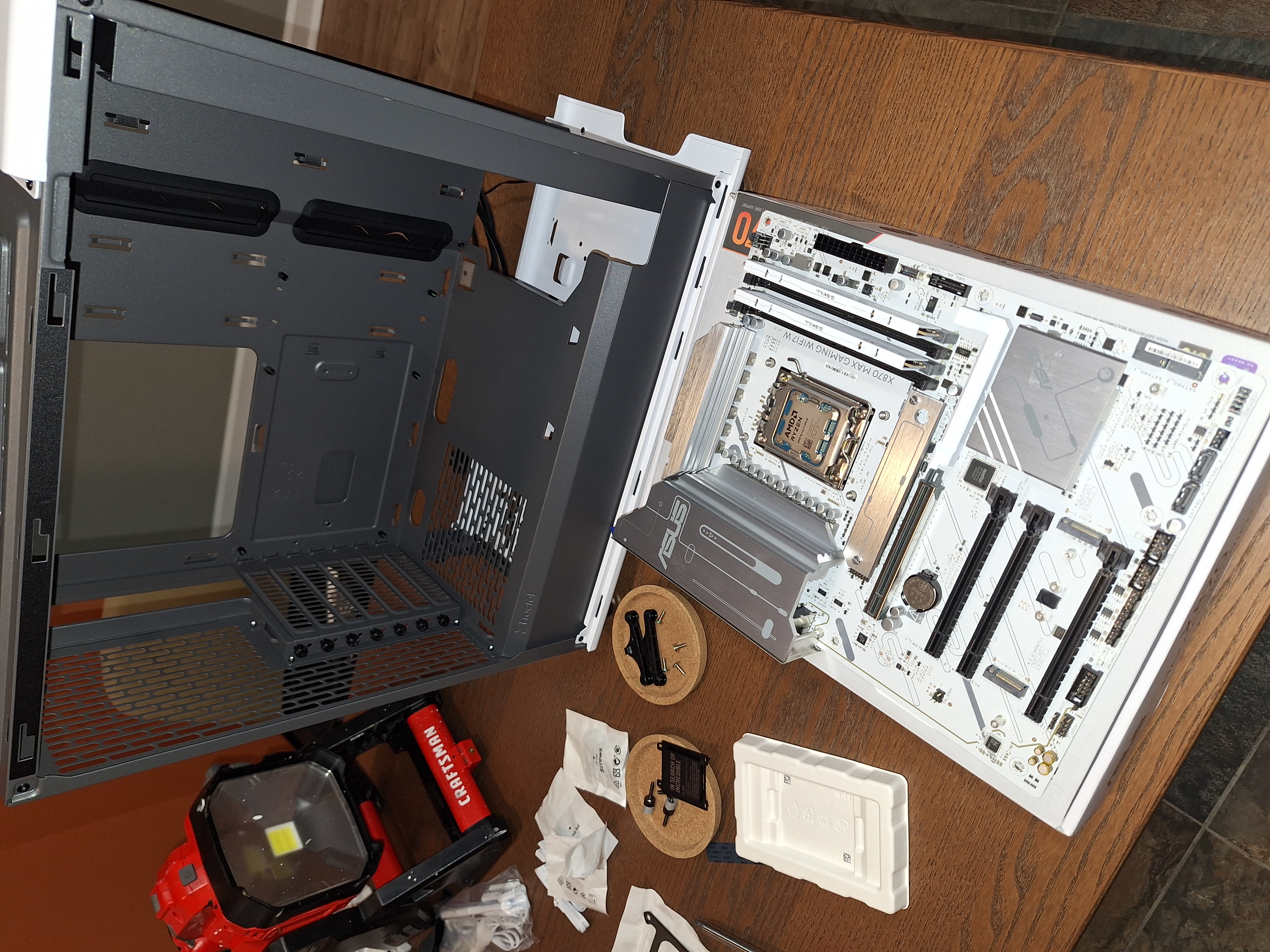
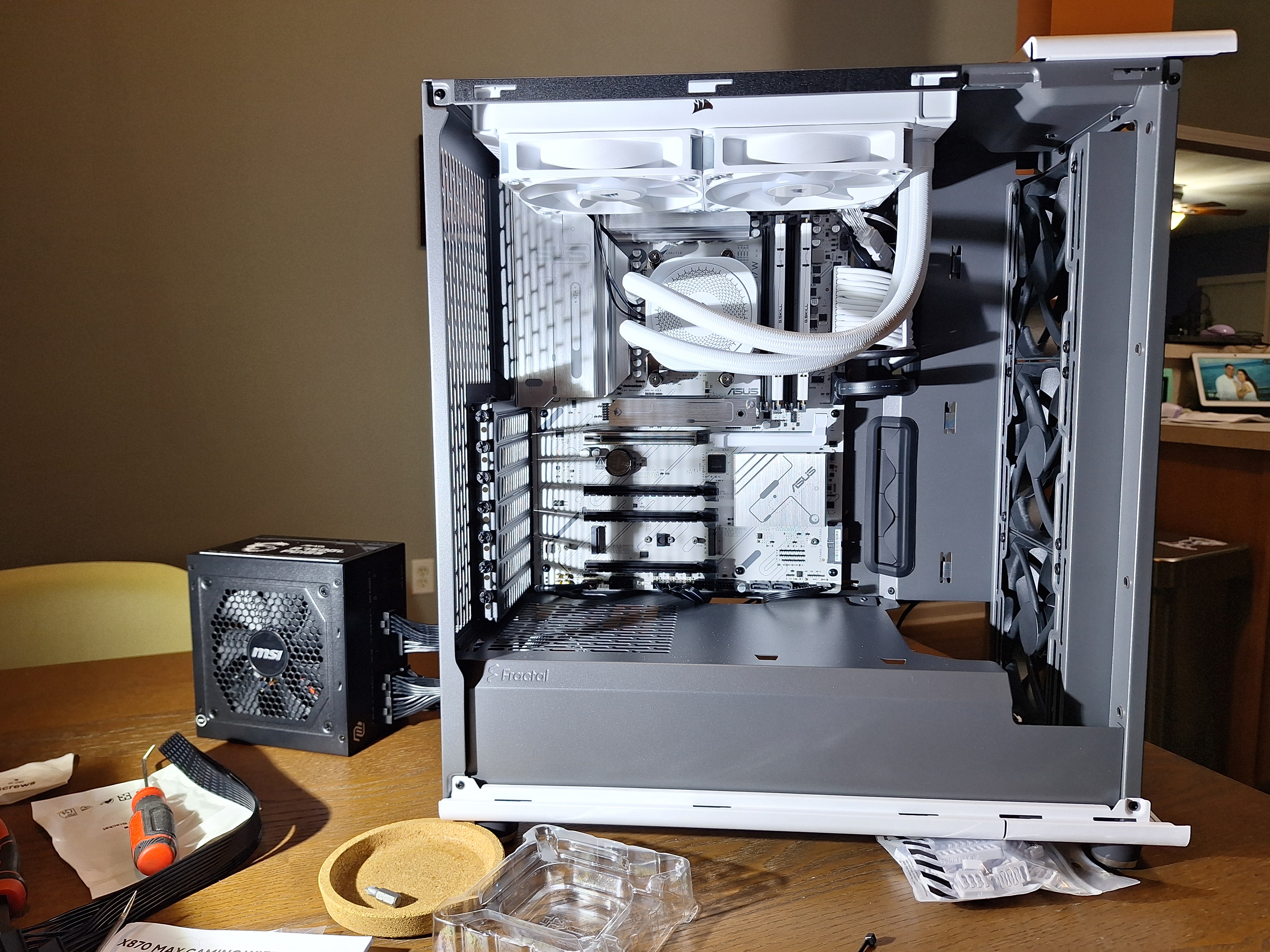
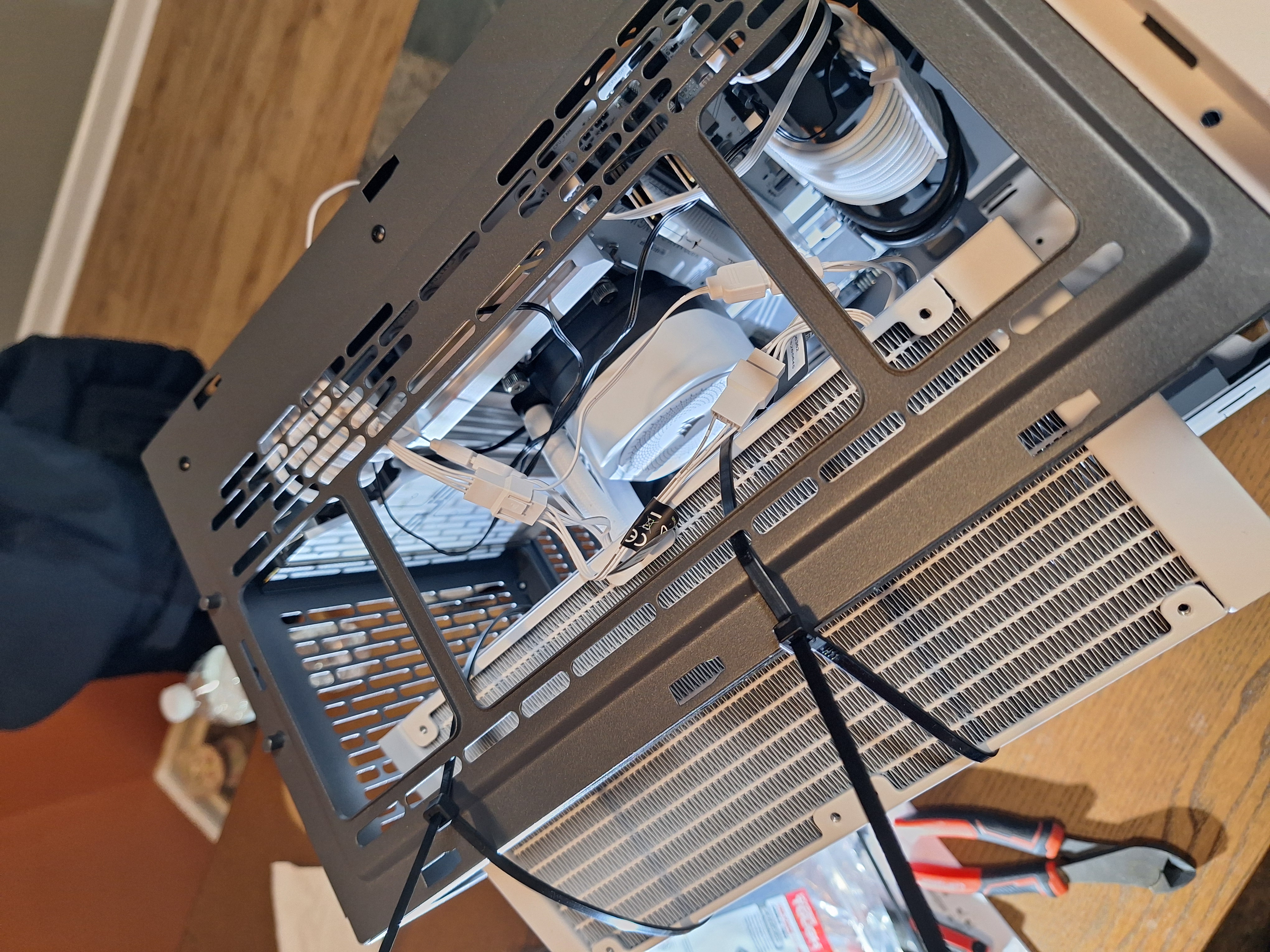
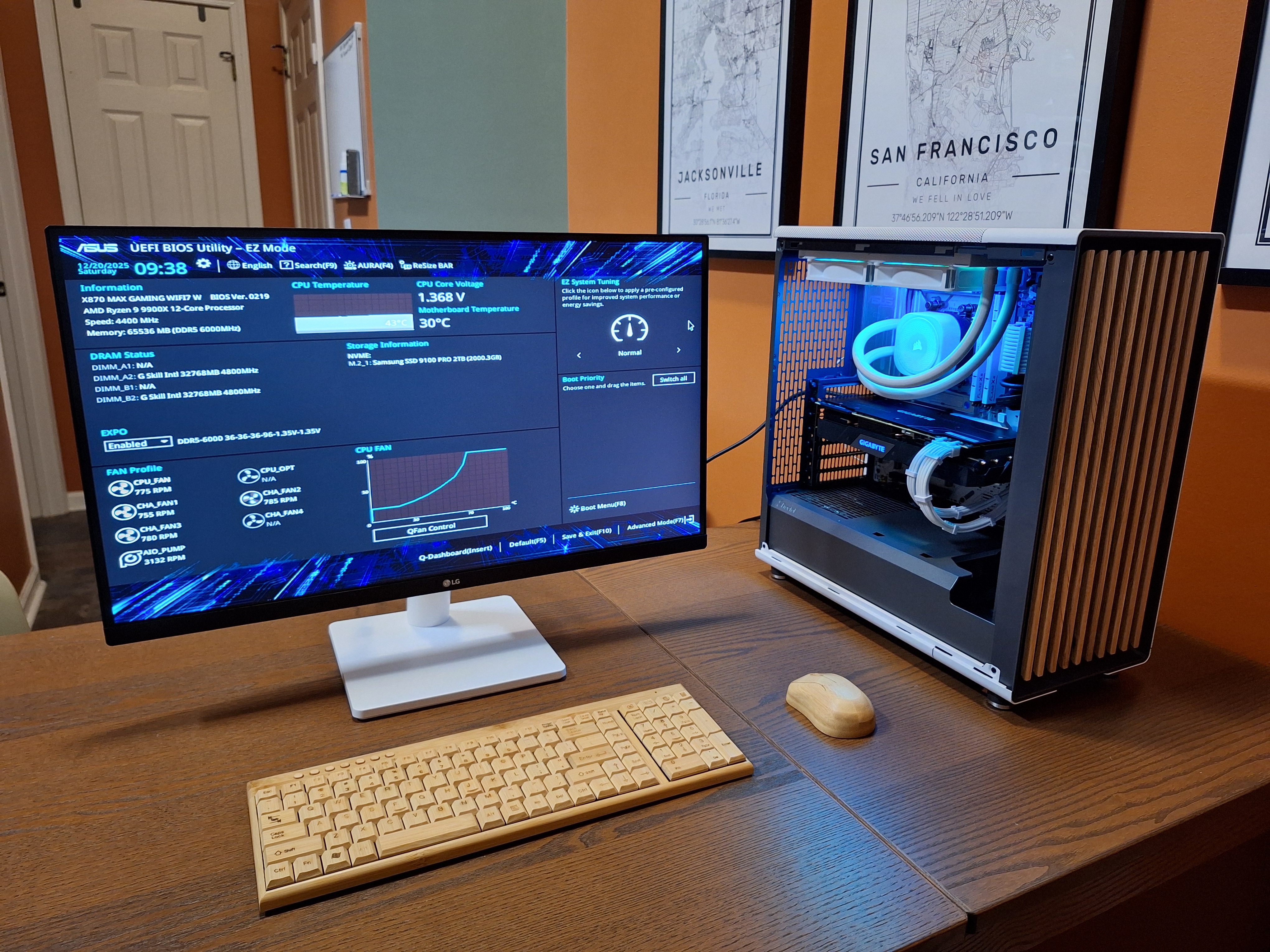
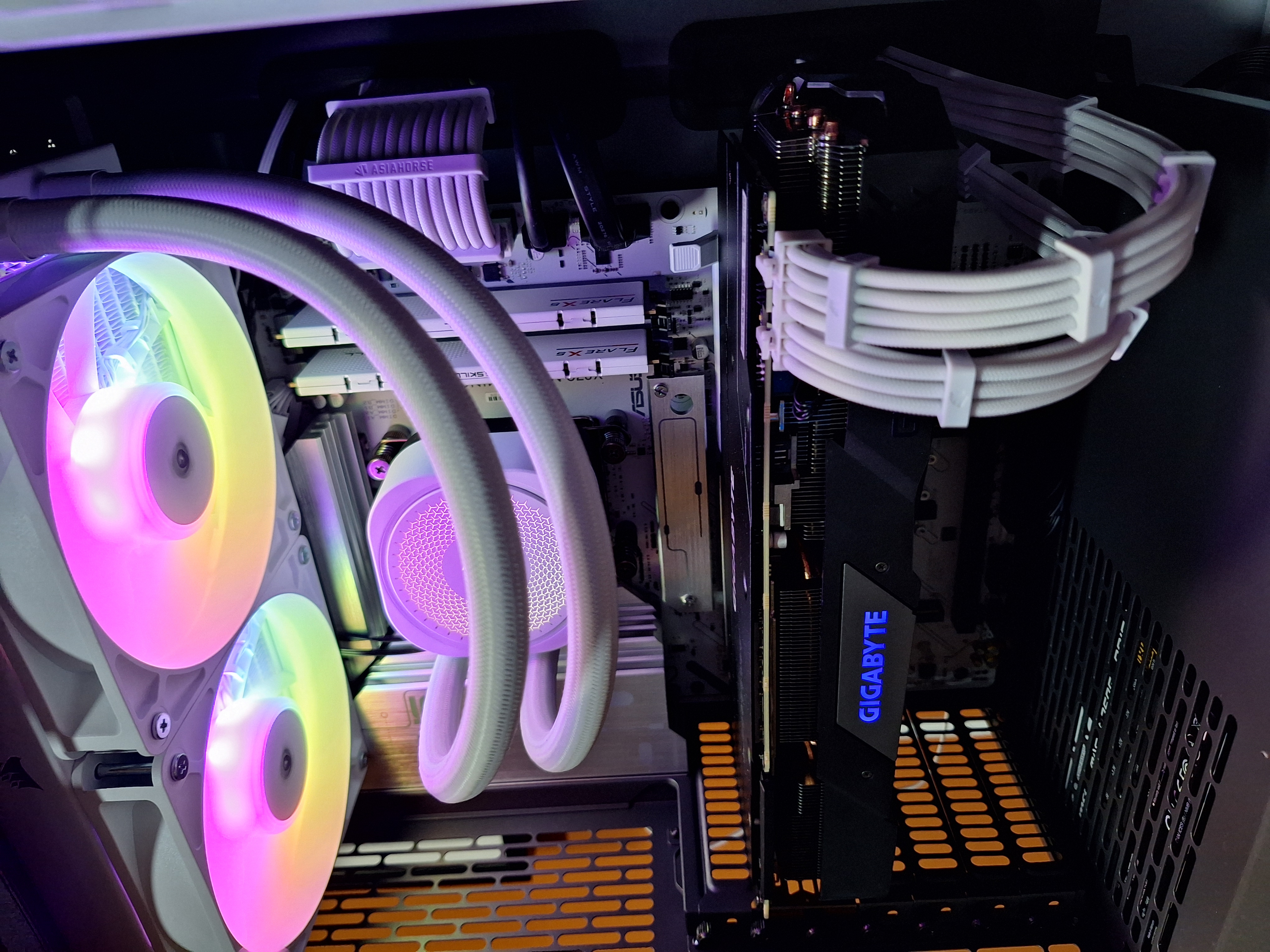
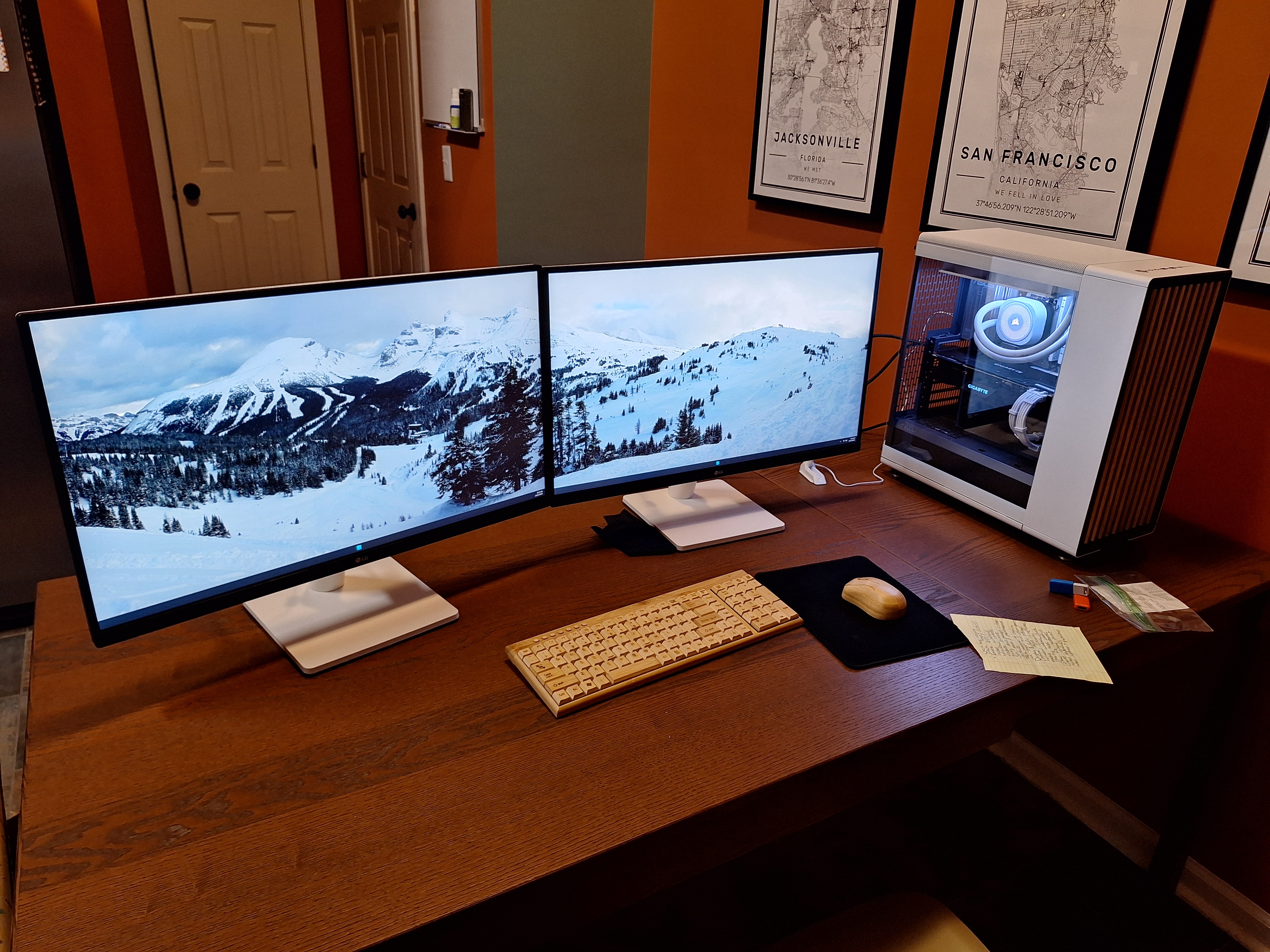
 CPUAMD Ryzen 9 9900X 4.4 GHz 12-Core Processor$389.00
 CoolerCorsair NAUTILUS 240 RS ARGB 74.37 CFM Liquid CPU Cooler$100.00
 MotherboardAsus X870 MAX GAMING WIFI7 W ATX AM5 Motherboard$187.00
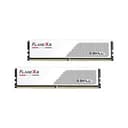 MemoryG.Skill Flare X5 64 GB (2 x 32 GB) DDR5-6000 CL36 Memory$669.00
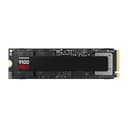 StorageSamsung 9100 PRO 2 TB M.2-2280 PCIe 5.0 X4 NVME Solid State Drive$254.00
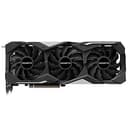 GPUGigabyte WINDFORCE OC 3X GeForce RTX 2070 SUPER 8 GB Video Card$500.00
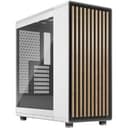 CaseFractal Design North ATX Mid Tower Case$145.00
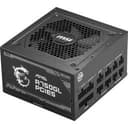 PSUMSI MAG A750GL PCIE5 750 W 80+ Gold Certified Fully Modular ATX Power Supply$86.00
 OSMicrosoft Windows 11 Home OEM - DVD 64-bit$100.00
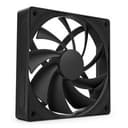 Fans3 x NZXT F120Q (2024) 74.26 CFM 120 mm Fan$15.00 x 3
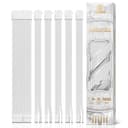 CablesAsiaHorse white sleeved PSU extension cable kit$30.00
Out-of-pocket total: $1,975.00
This build was a good reminder that a PC project is not only about raw specs. The final system needed to fit the user, the room, the budget, and the intended workload. It may be more machine than she strictly needs right now, but it should serve her well for years and still came in as a better value than many prebuilt photo editing PCs with similar advertised specs.
I was honored to build it for them, and I had a lot of fun putting together something that felt both personal and practical.