Older adults and caregivers need practical coordination tools that make appointments, support links, and online safety learning easier to manage without adding visual or cognitive friction.
Implementation
Senior Helper combines shared appointments, caregiver connections, guided cybersecurity lessons, quizzes, progress tracking, and account security tools in a high-legibility Angular and Spring Boot application.
Project Details
Senior Helper is a full-stack web application designed for older adults and caregivers to stay organized, connected, and safer online. It combines practical care coordination features with cybersecurity education in a simple, high-legibility interface.
Screenshots
Screenshot appearance
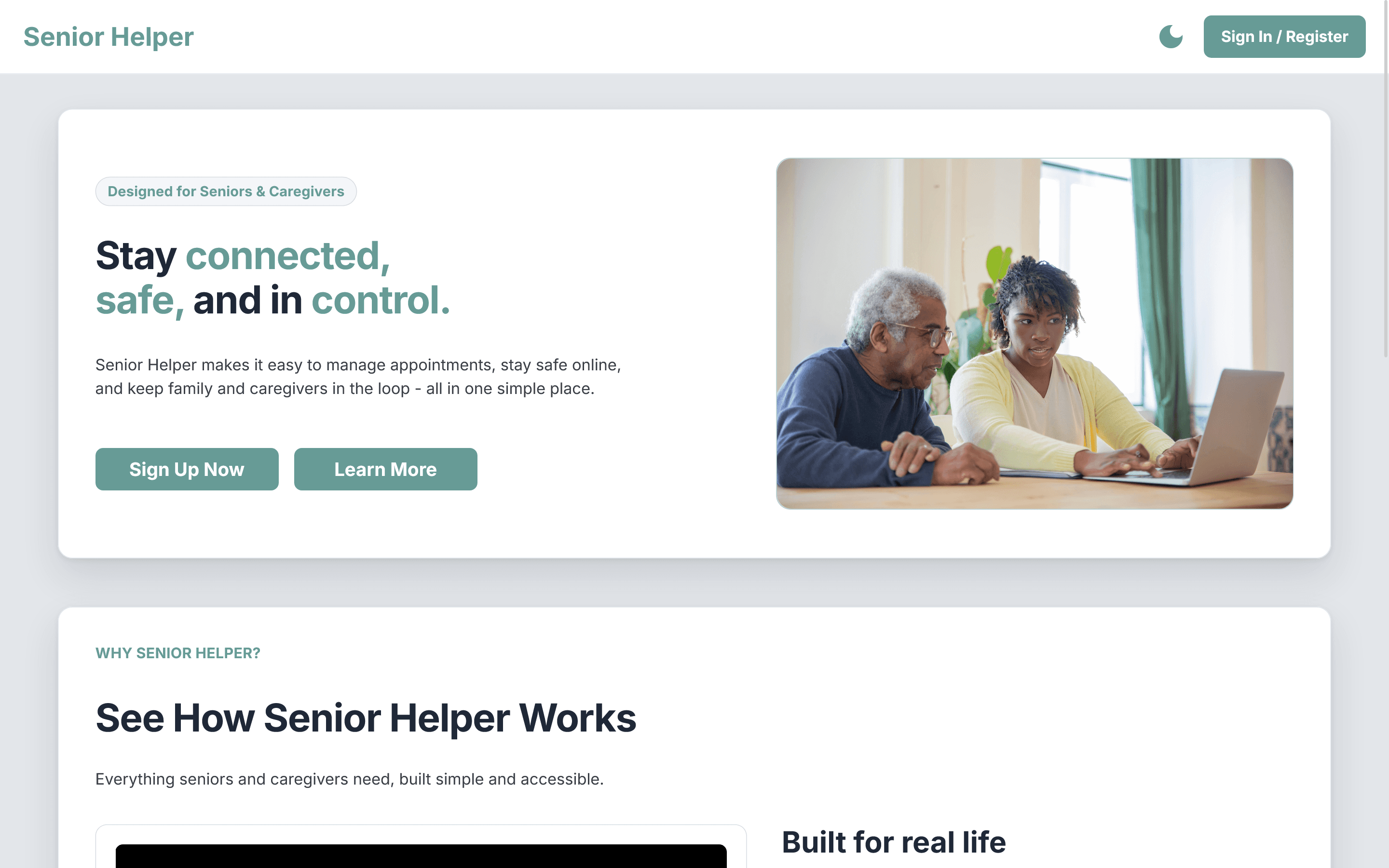
Landing Page: Light Mode
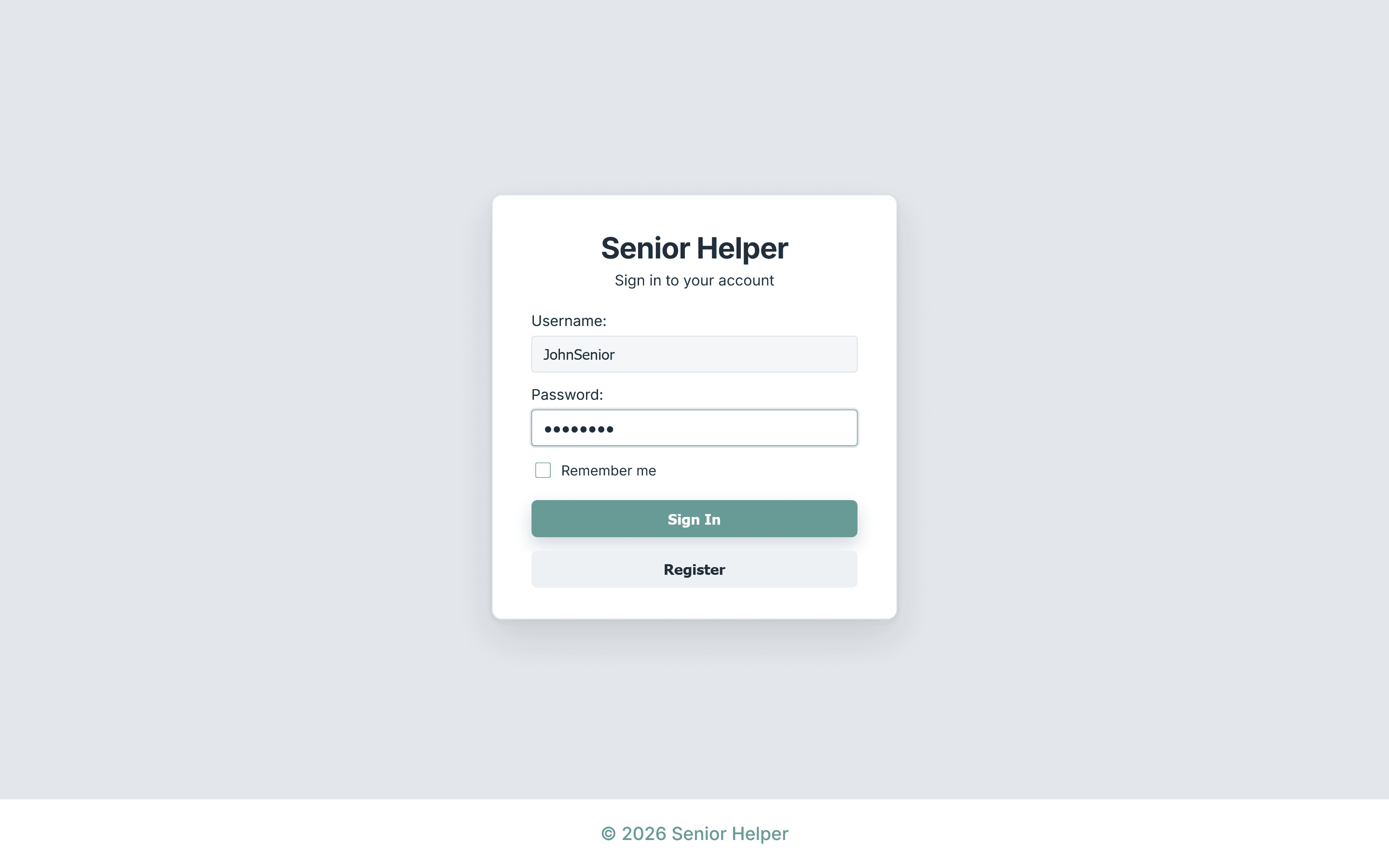
Sign In: Light Mode
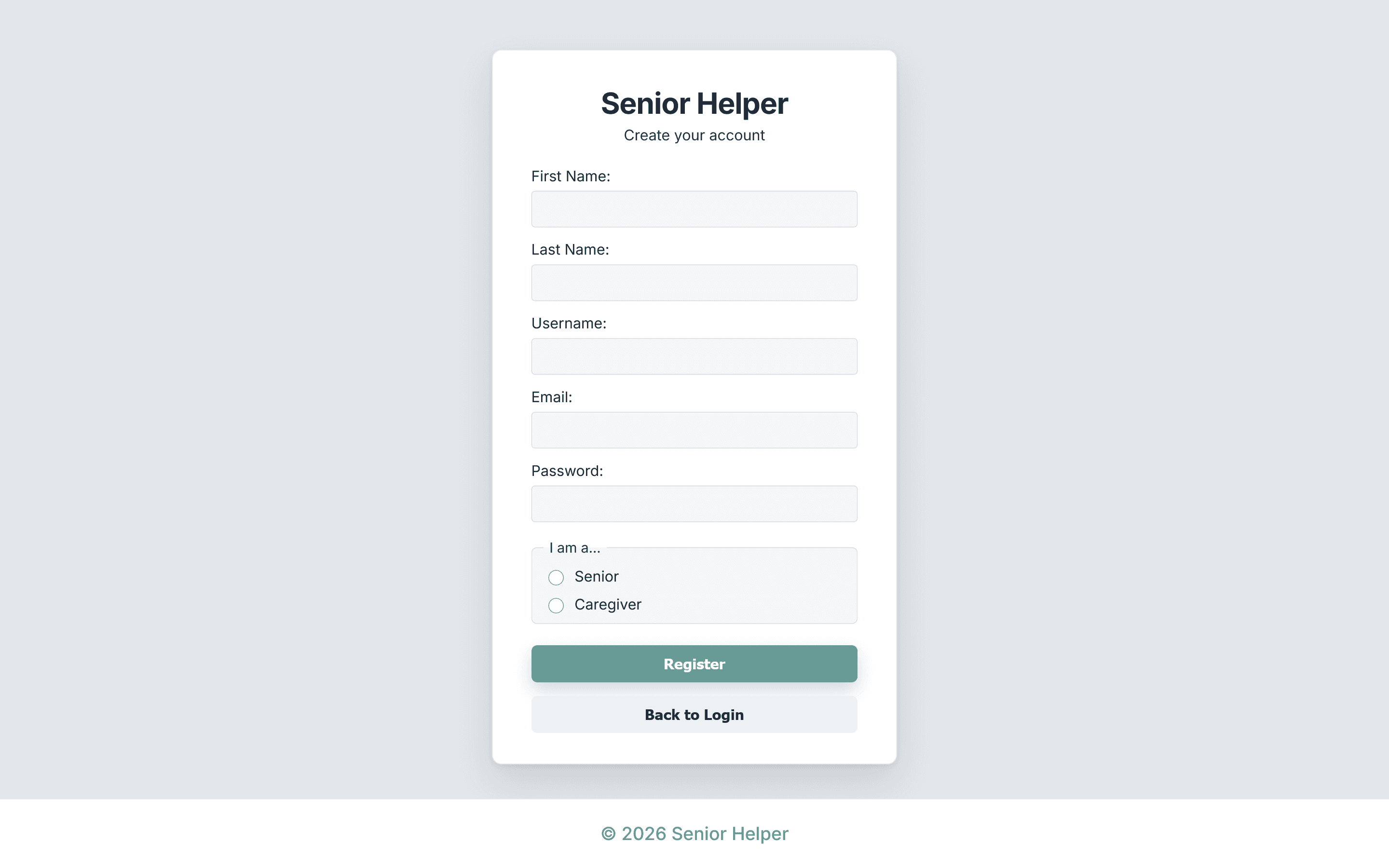
Register: Light Mode
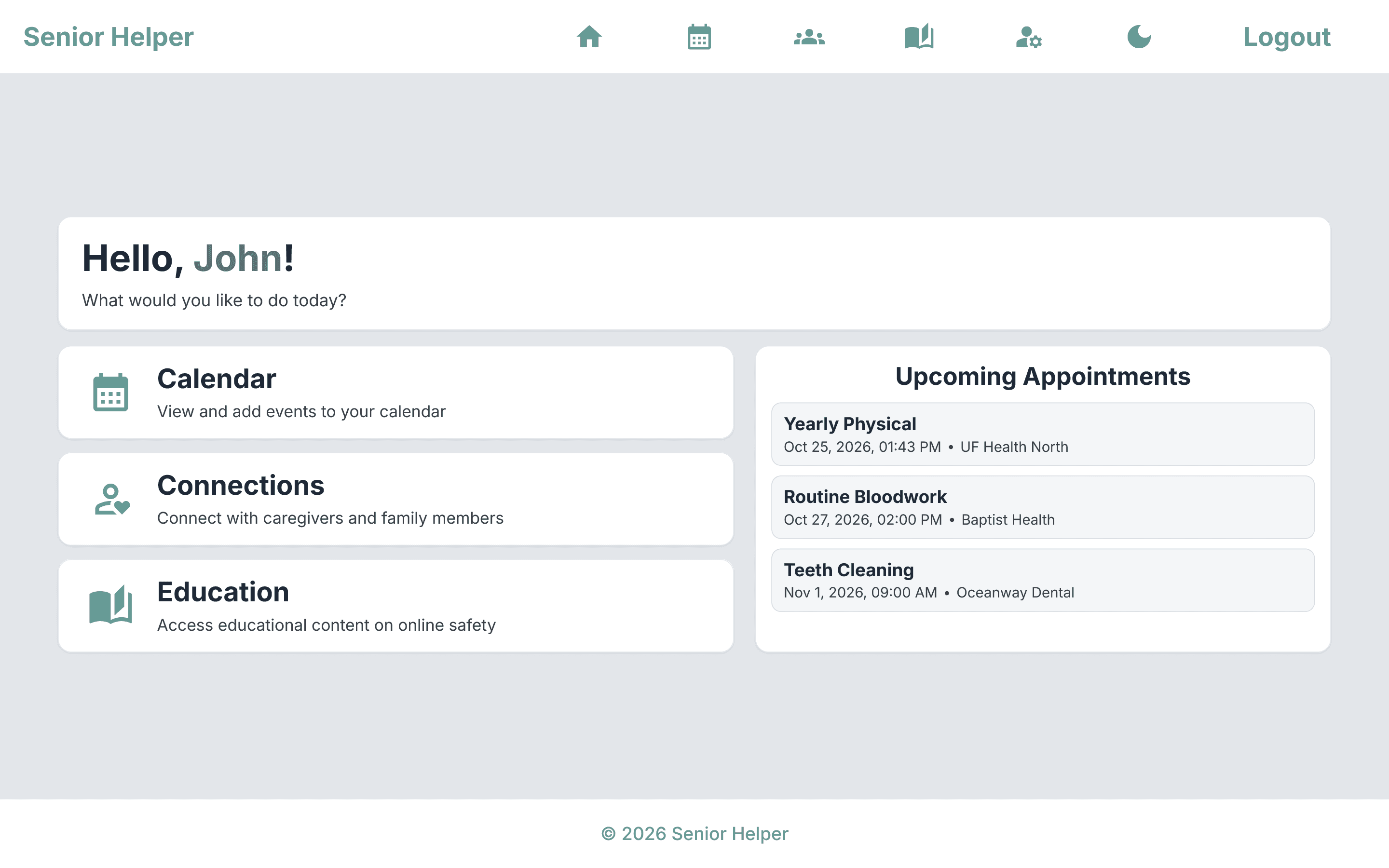
Dashboard: Light Mode
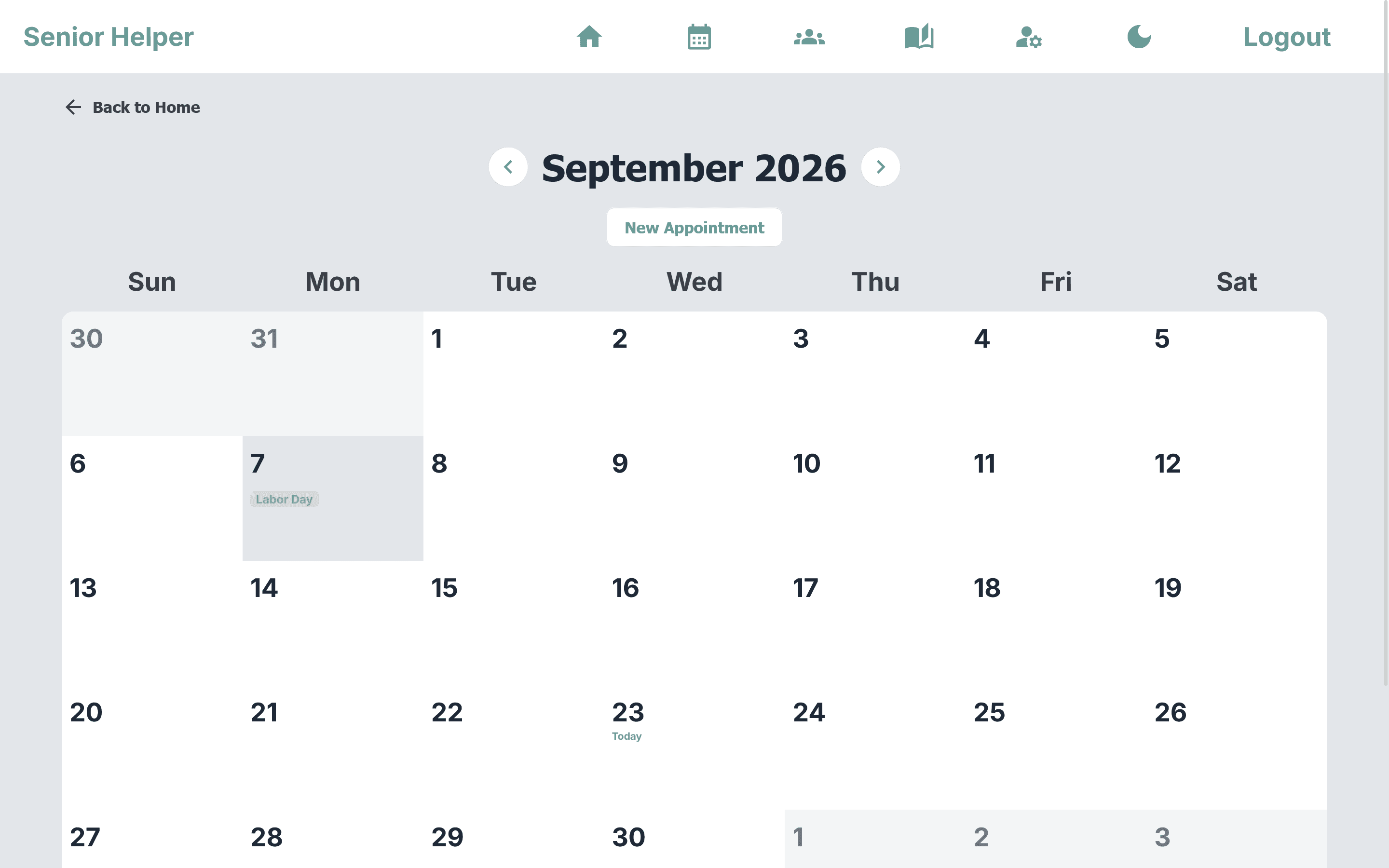
Calendar: Light Mode
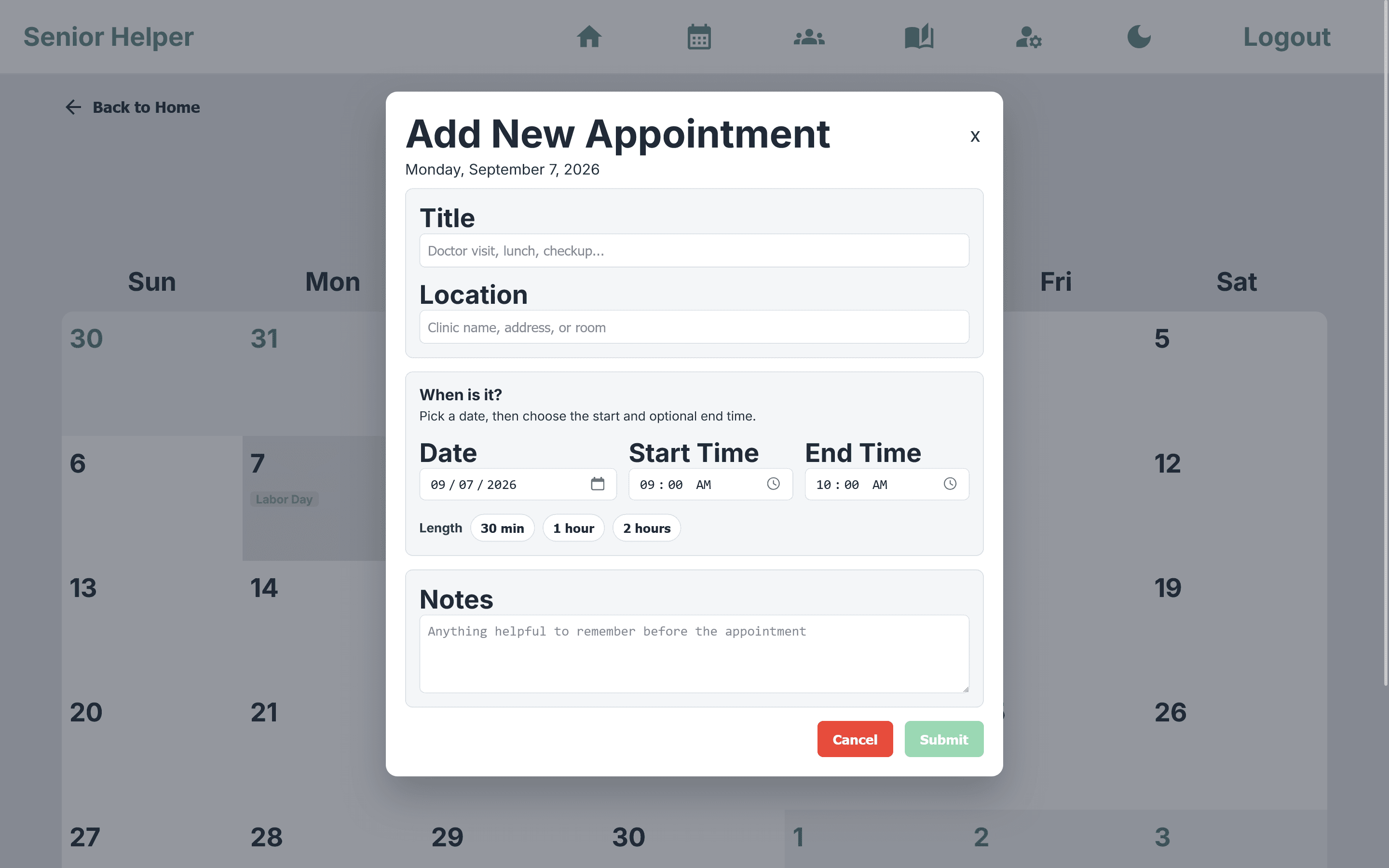
Appointment: Light Mode
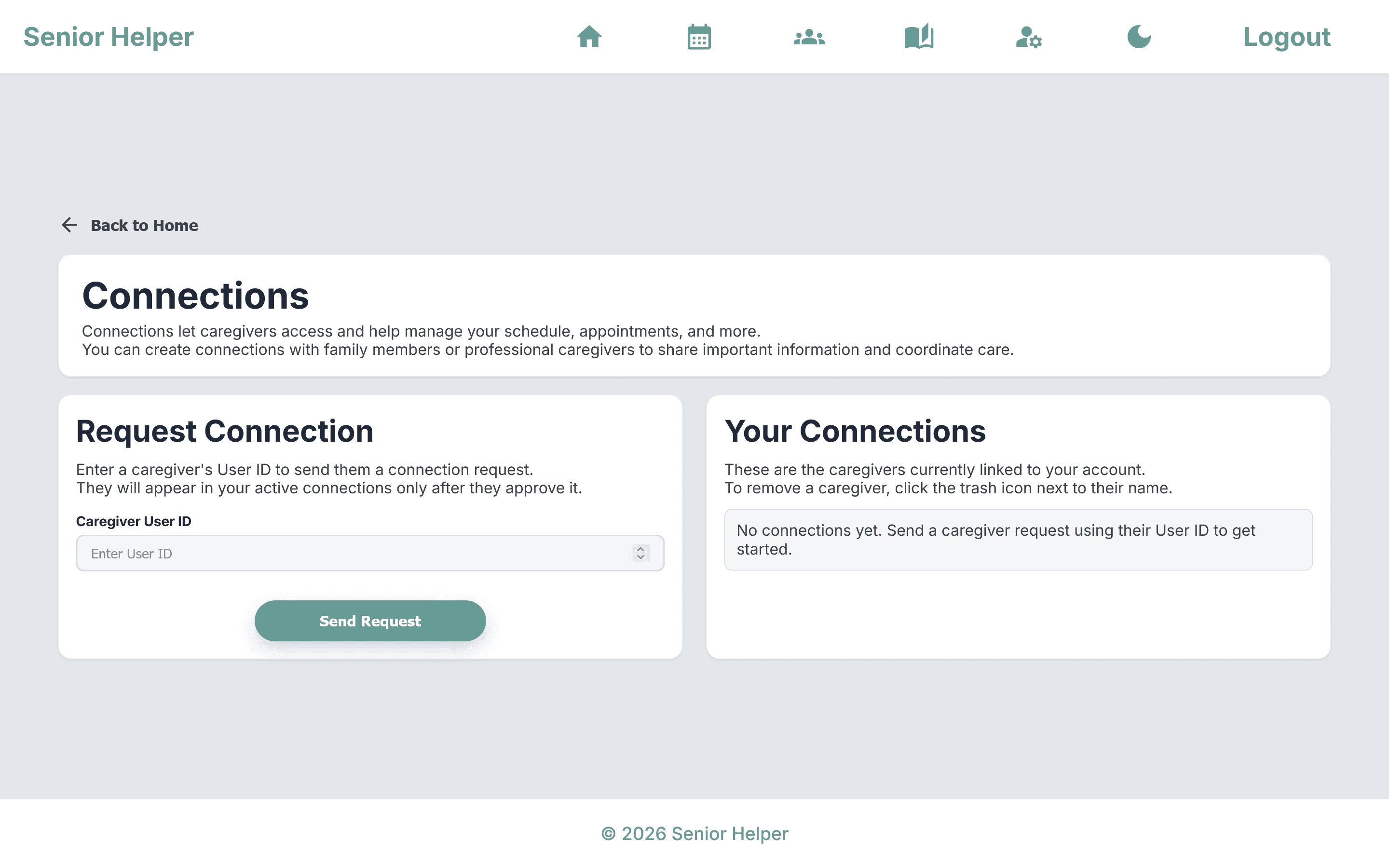
Connections: Light Mode
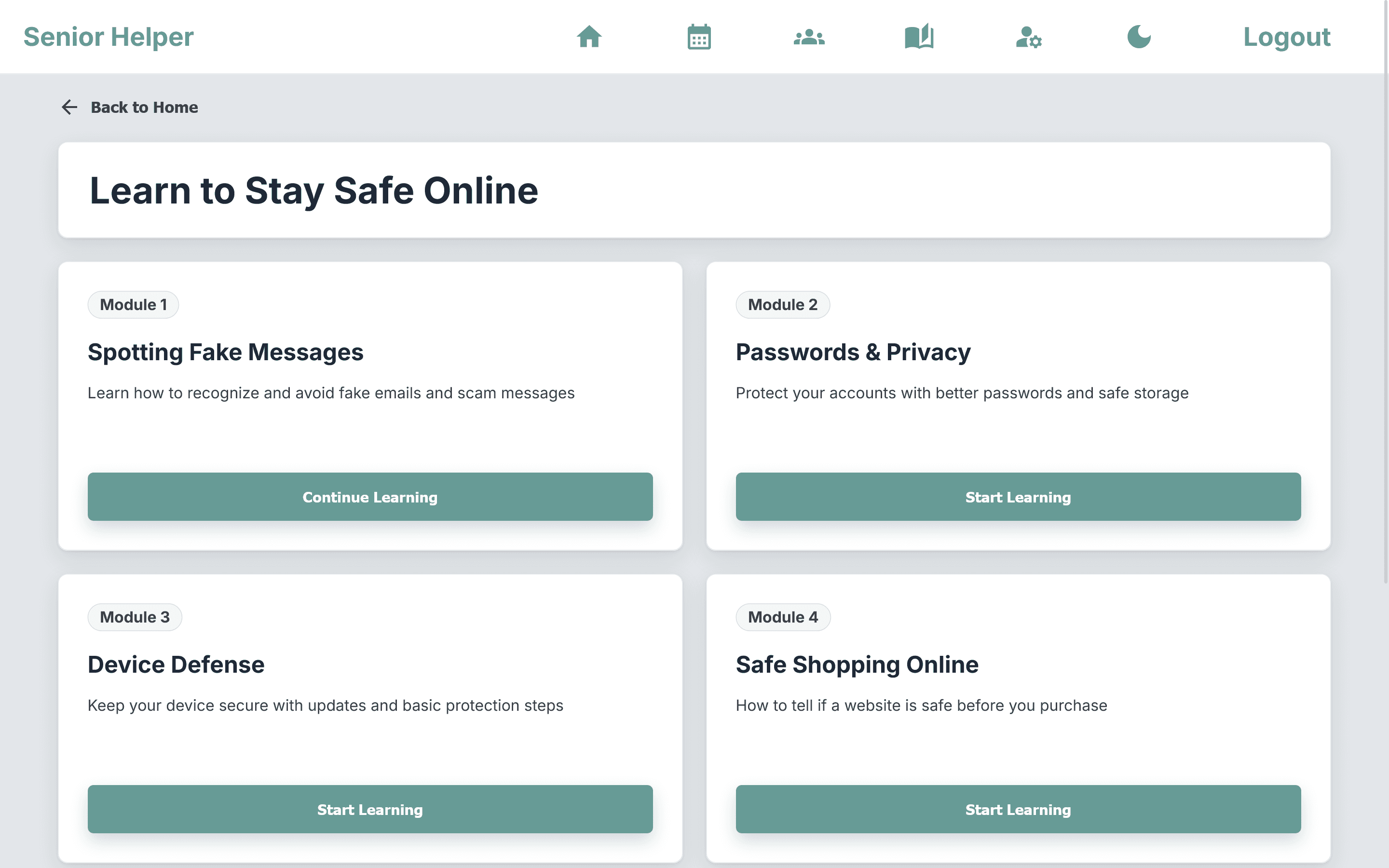
Education Modules: Light Mode
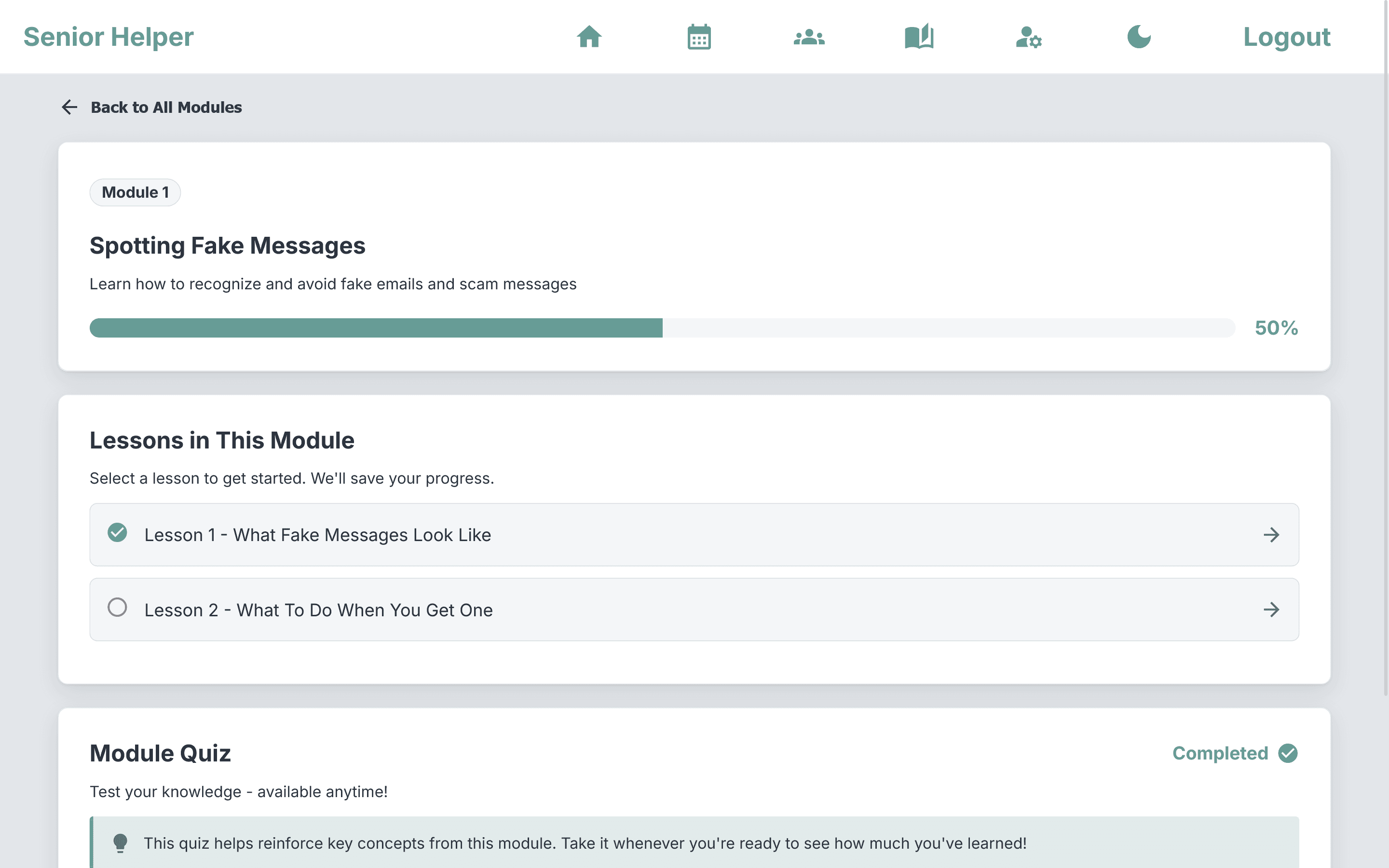
Module Overview: Light Mode
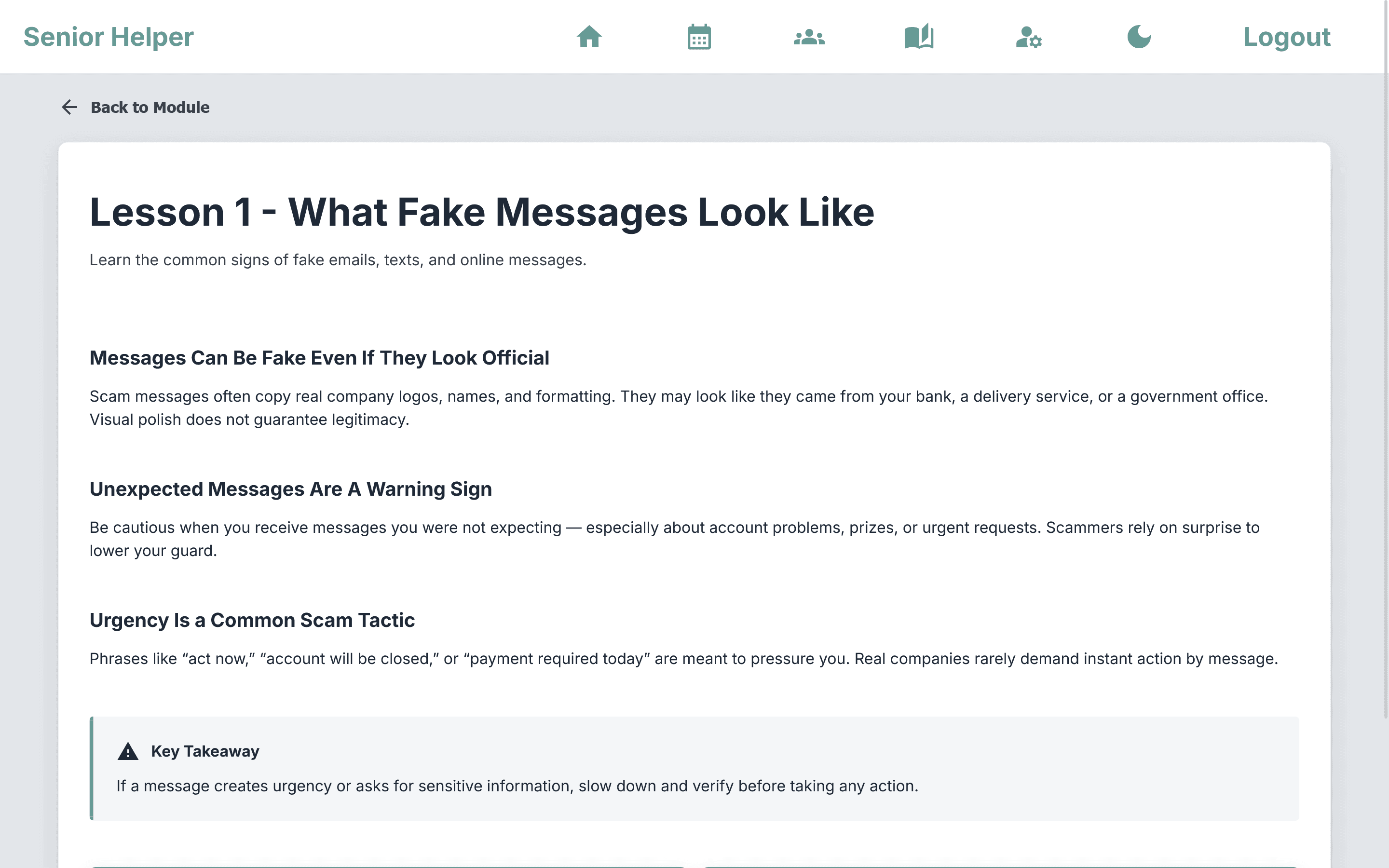
Lesson: Light Mode
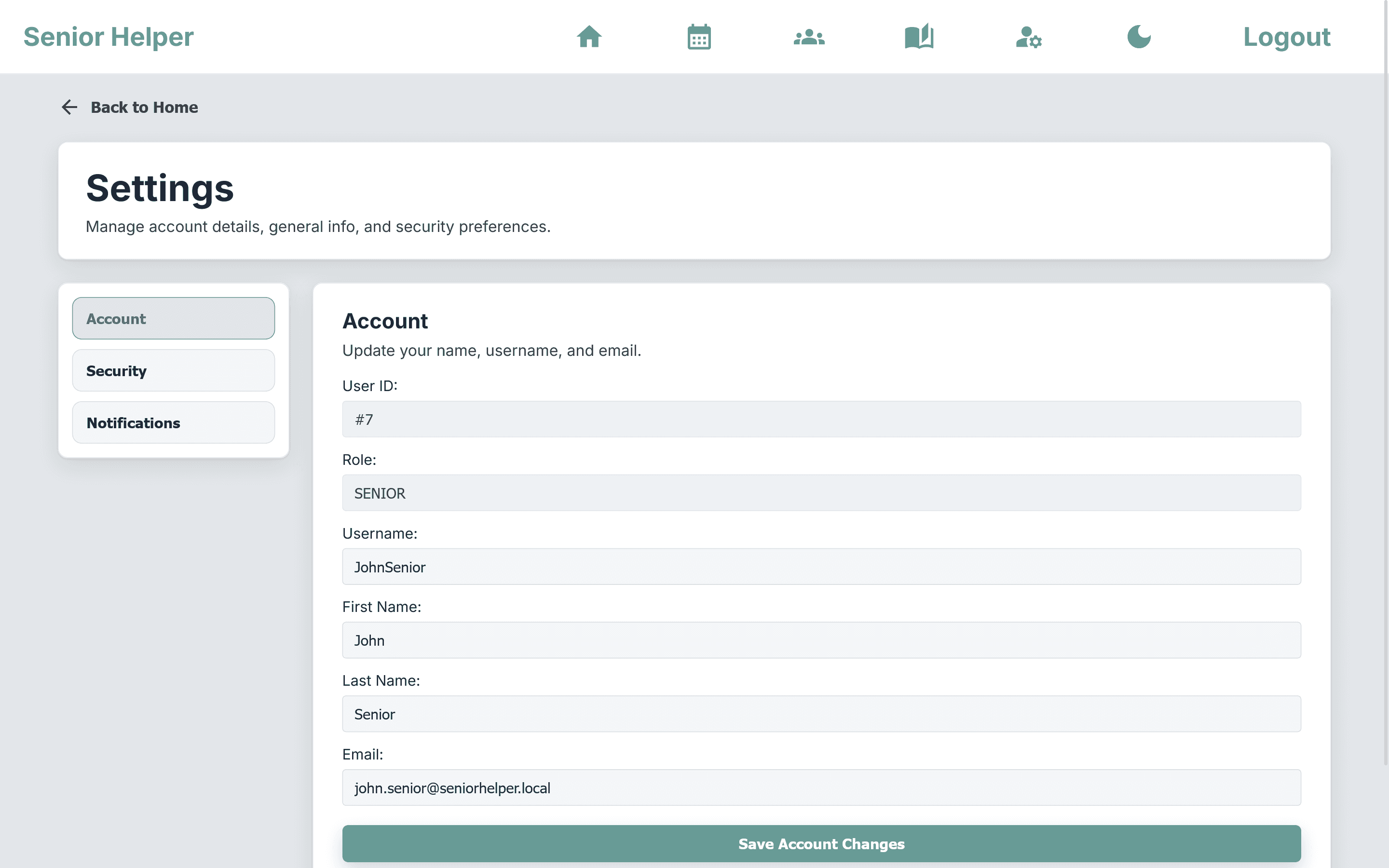
Settings: Light Mode
Core Features
Appointment calendar with create/edit flows, upcoming appointment summaries, and reminder notifications.
Caregiver and family connections so trusted users can stay aligned around schedules and support needs.
Lesson progress tracking and module quizzes to reinforce cybersecurity topics.
JWT-secured authentication with guarded routes, account settings, password updates, and role-aware workflows.
Accessible visual design with large text, clear navigation, responsive layouts, and persistent light/dark mode.
Architecture and Stack
Architecture: Full-stack Spring Boot application with an Angular SPA packaged into the backend for single-app deployment.
Backend: Java 17, Spring Boot 3.5, Spring MVC, Spring Data JPA, Spring Security, JWT auth, PostgreSQL, H2, Log4j2, and springdoc OpenAPI.
Frontend: Angular 21 with standalone components, route guards, an HTTP auth interceptor, reactive/template forms, Cypress E2E support, and Vitest-based unit testing.
Build/Delivery: Maven installs Node/npm, builds the Angular app in SeniorHelper/frontend, and copies the production browser assets into Spring Boot's public resources.
Key UX and Accessibility Decisions
Large typography and plain-language content to reduce cognitive and visual friction.
Role-aware workflows for seniors, caregivers, and admins.
Progress-first learning UX with module completion status, quiz scoring, and clear continue actions.
Persistent light/dark theme, mobile-responsive layouts, and consistent navigation patterns.
Form-first interaction with inline validation/error states and explicit labels/autocomplete hints.
Contributors
Lauren Knotts: Full-Stack Developer, Team Lead • Education System, User Connections, Landing Page, Branding Design